0 Reviews
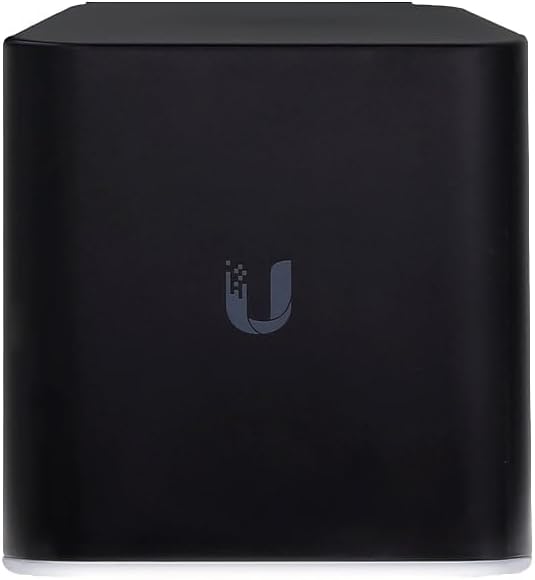
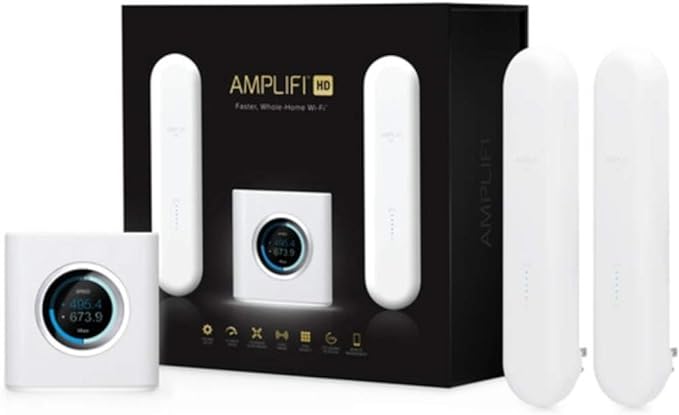
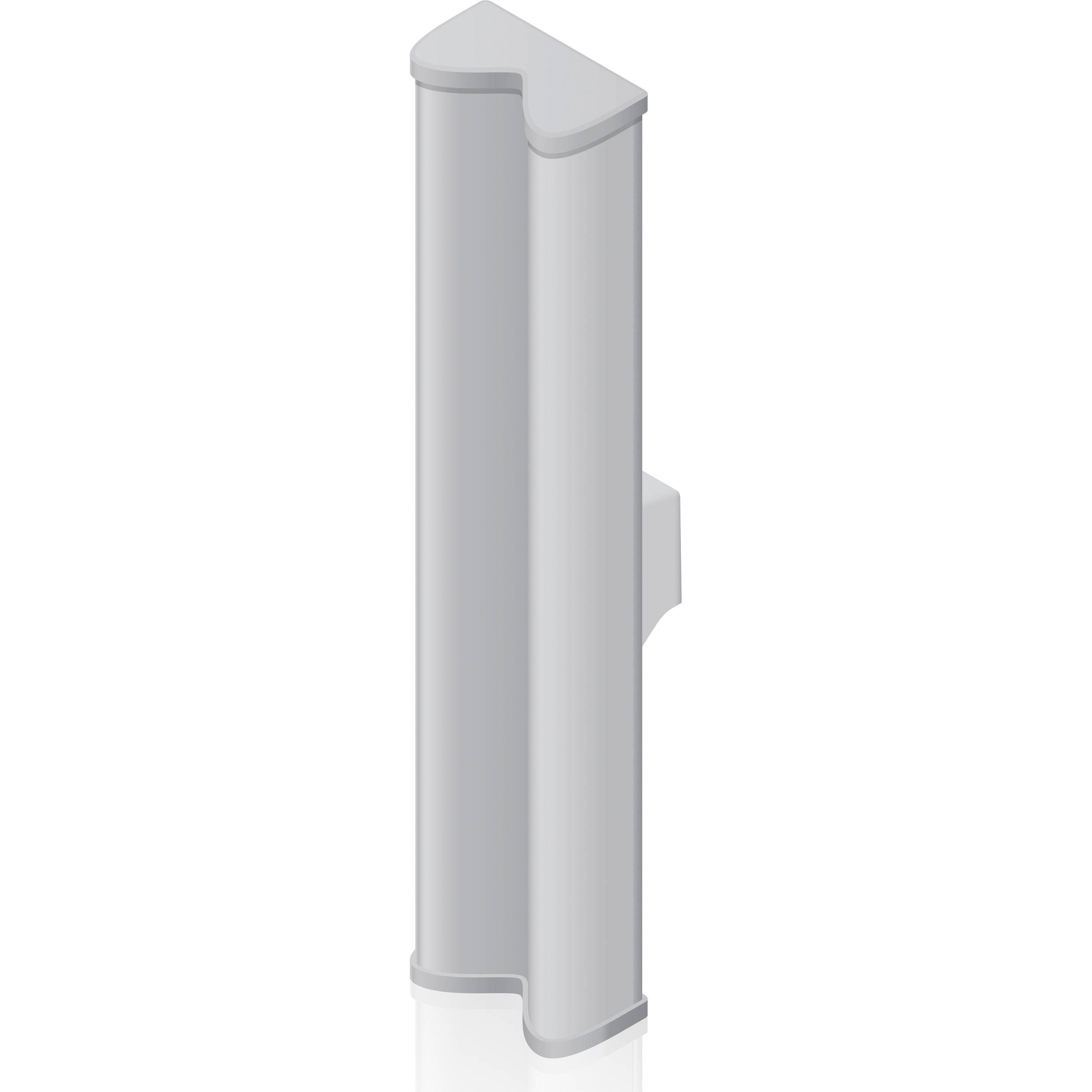
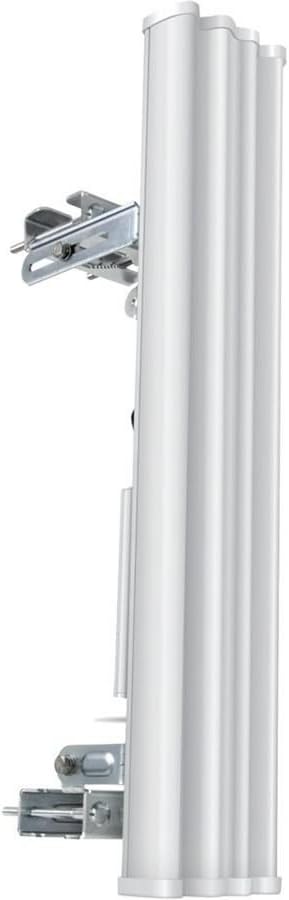
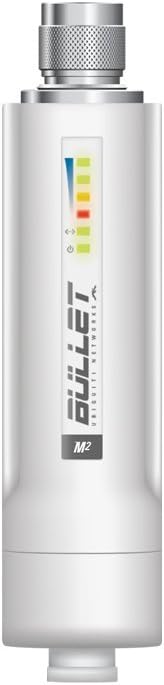
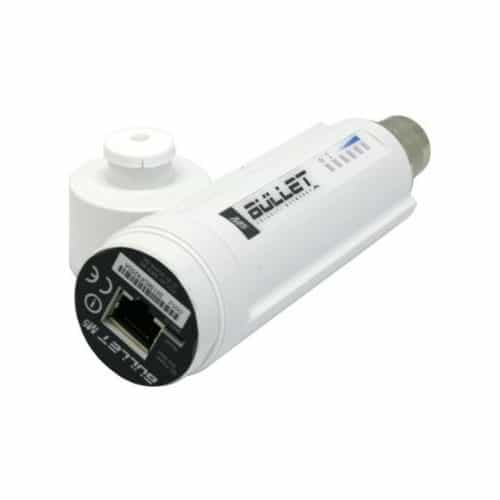
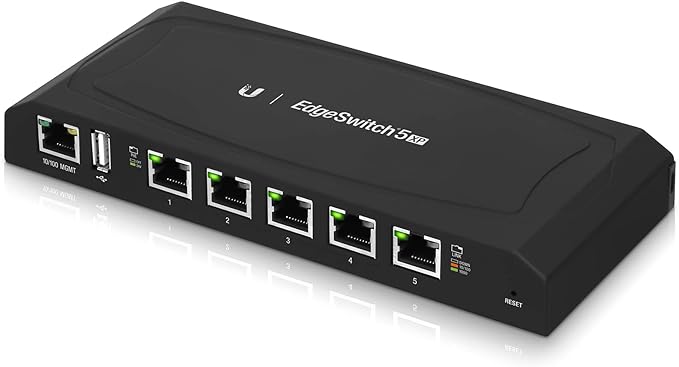
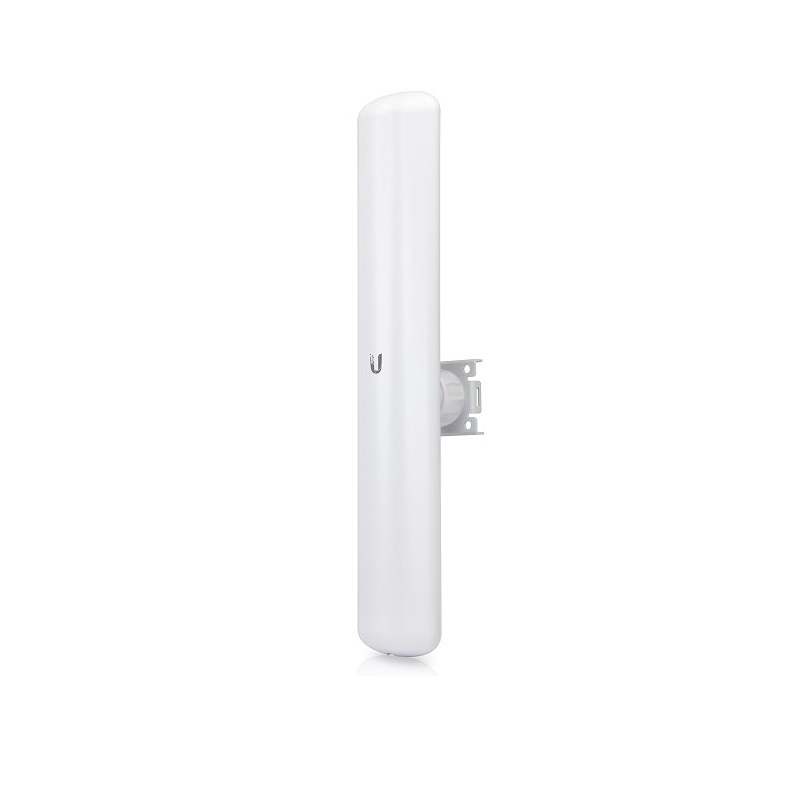
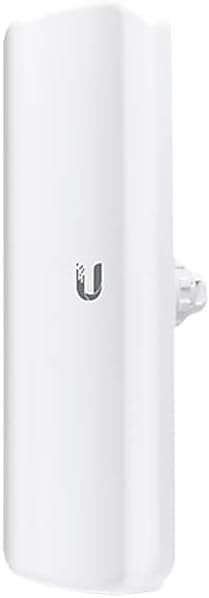
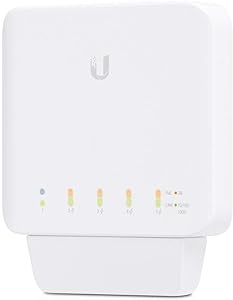
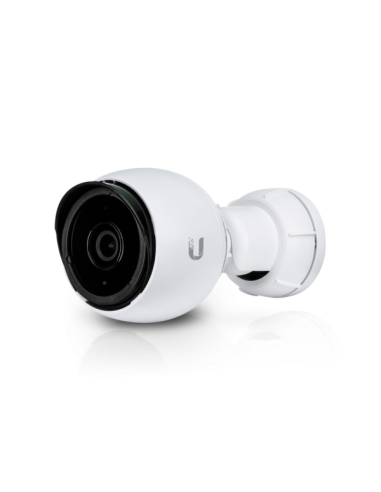
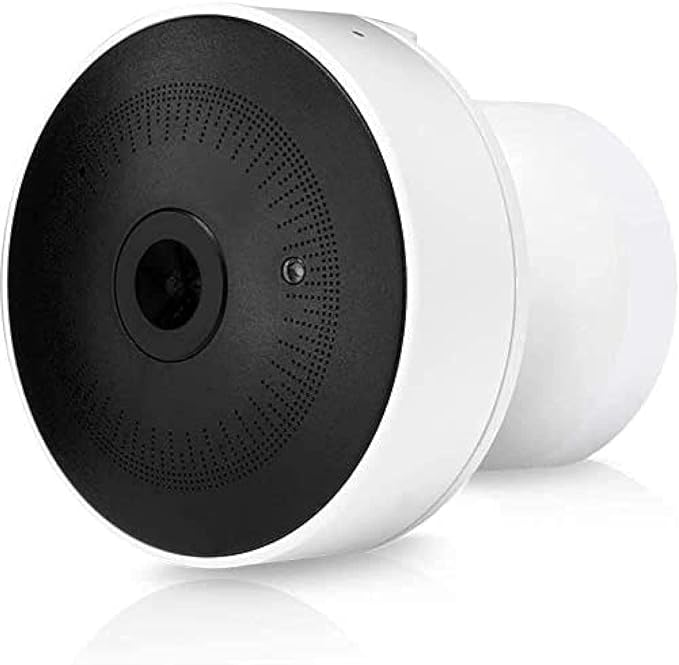
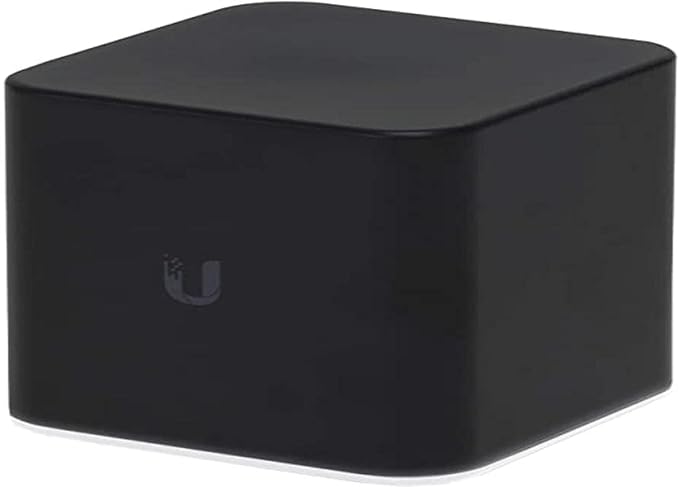
Dimensions 87.80 x 89.50 x 89.25 mm (3.46 x 3.52 x 3.51") Weight 280 g (9.88 oz) Management Interface Wi-Fi Ethernet Networking Interface 10100 Fast Ethernet Ports LED Status Operating Frequency 2.4 GHz Antenna Gain 4 dBi Max. Speeds 300 Mbps Max. Power Consumption 5W Max. TX Power 20 dBm Power Supply 5V
Power Method Micro-USB Adapter (Not Included) or PoE 24V In on LAN Port 1 PoE Out Controllable 24V PoE Out (4, 5+, 7, 8-) on WAN Port Supported Power Voltage 4.95-5.05V Operating Temperature -10 to 50° C (-14 to 122° F) Operating Humidity 5 to 95% Noncondensing ESDEMP Protection ± 24 kV RJ45 Interface Certifications CE, FCC, IC Power Method Micro-USB Adapter (Not Included) or PoE 24V In on LAN Port 1 PoE Out Controllable 24V PoE Out (4, 5+, 7, 8-) on WAN Port Supported Power Voltage 4.95-5.05V Operating Temperature -10 to 50° C (-14 to 122° F) Operating Humidity 5 to 95% Noncondensing ESDEMP Protection ± 24 kV RJ45 Interface Certifications CE, FCC, IC Reset Button Resets to factory defaults. The device should be running after bootup is complete. Press and hold the Reset button for about 10 seconds until the LED starts flashing and then becomes solidly lit. After a few seconds, the LED will turn off, and the device will automatically reboot.
₦135,868.00 ₦149,454.80
₦794,026.87 ₦873,429.56
₦160,662.97 ₦176,729.27
₦222,073.56 ₦244,280.92
₦573,313.57 ₦630,644.93
₦777,259.39 ₦854,985.33
₦804,679.01 ₦885,146.91
₦1,002,731.65 ₦1,103,004.82
₦1,435,910.92 ₦1,579,502.01
₦1,722,883.42 ₦1,895,171.76
₦159,349.48 ₦175,284.43
₦185,062.77 ₦203,569.05
₦161,072.22 ₦177,179.44
₦866,537.82 ₦953,191.60
₦2,866,330.12 ₦3,152,963.13
(4.5)
₦595,249.27 ₦654,774.20
₦56,945.88 ₦62,640.47
₦538,414.46 ₦592,255.91
₦209,156.91 ₦230,072.60
₦222,640.66 ₦244,904.73
₦38,568.31 ₦42,425.14
₦352,638.48 ₦387,902.33
₦245,753.42 ₦270,328.76
₦326,084.91 ₦358,693.40
(4.5)
₦629,509.17 ₦692,460.09
₦455,251.37 ₦500,776.51
₦621,807.51 ₦683,988.26
₦684,621.24 ₦753,083.36
₦228,282.43 ₦251,110.67